




MASTER AI IN 3D PRECISION
Reallusion AI Studio is built for 3D artists who want to streamline their workflow with authentic AI render, and for AI creators seeking stronger consistency and more precise control with less trial and error—unlocking greater productivity by blending the best of both worlds. Tutorial
3D Guided Scene Layout
Arrange and refine your scene in real time. Move objects, adjust composition, and instantly shape the visual outcome—no more guesswork.
Absolute Motion Control
Precisely control every movement frame by frame. Create natural, accurate motion for characters and objects with full control over timing and flow.
AI Talking Animation for 3D Characters
Generate expressive talking performances from text, voice clone, or audio input. Use AI-driven full-body animation or keep your original 3D motion intact.
3D Previs to AI Cinematography
Design cinematic camera movement with precision. Control how the camera follows, tracks, and interacts with characters and objects in motion.
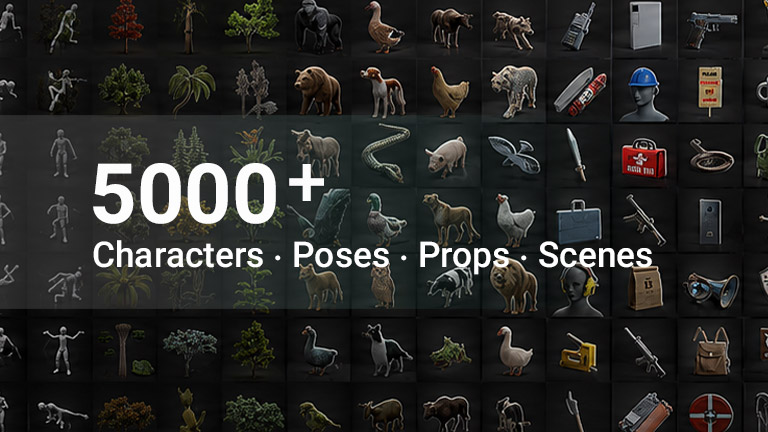
Bring Your IP Characters into AI Productions
Anyone can generate AI characters from prompts or images — but maintaining a consistent character IP across workflows is far more difficult. AI Studio transforms your original designs into AI Actors with preserved likeness, enhanced realism, and flexible styling for both AI and 3D production pipelines. Use AI Actors directly as references in Image Edit and Video Generation to achieve greater creative flexibility and unmatched character consistency across every scene.
- Advanced Mode
- Basic Mode New in v1.1
Create Highly Consistent AI Actors
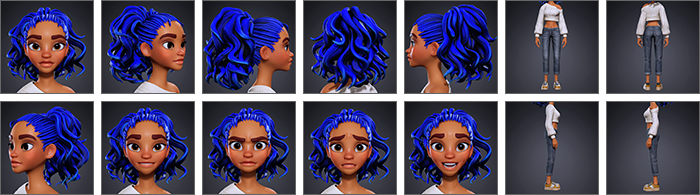
Create high-resolution, fully structured character sheets with AI Actor Creator—capturing every detail from facial traits to body style and wardrobe across all angles, aligned with appearance descriptions for unmatched consistency across all AI productions. Tutorial | Manual
Preserve Multi-Actor Identity Across Scenes
After creating your AI Actors (iModels), place them in the same scene and match each actor identity to the correct face to maintain a consistent likeness. You can then control multiple actors using trigger names in prompts, or drive them with 3D animation or video references while keeping their appearance consistent.
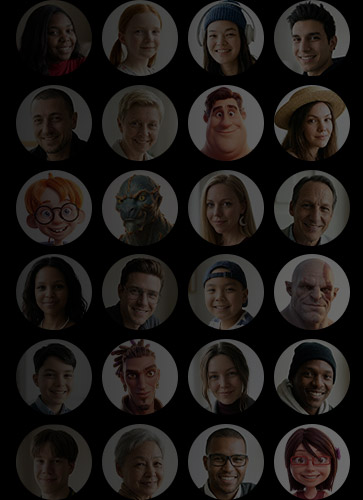
200 PRODUCTION-READY AI ACTORS
Access a library of 200 fully prepared AI Actors (iModels), including realistic, stylized, alien, and animal characters—ready to showcase your product, represent your service, or star in your short films with outstanding realism and consistency.
Click to View:
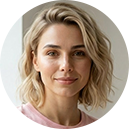
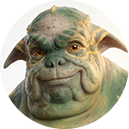
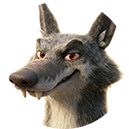
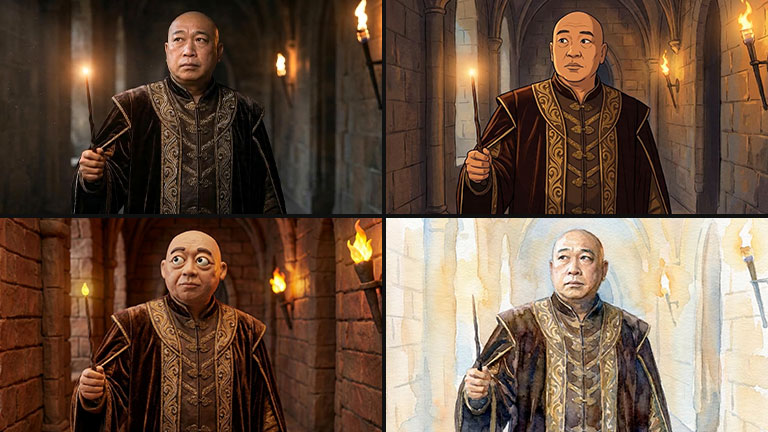
CHARACTER CONSISTENCY ACROSS STYLES
Explore creative directions across styles—from cinematic and sketch to toy-like and brand visuals—while preserving character identity across every transformation.
Control Shots with Actor & Voice References
Seedance supports up to 10 reference inputs for consistent video generation, including images, videos, and voices. Combine AI Actors, voice references, and animated 3D scenes to maintain character identity, vocal consistency, and cinematic motion across every shot.Tutorial
Start Frame and References
Use the start frame as visual guidance, then add AI Actors and reference voices to preserve consistent character appearance and vocal identity throughout the video. Manual
Purely Use References
Create videos without a starting frame, using image references, AI Actors, and matching voice scripts to accurately bring your vision to life. Manual
3D-to-Video with References
Animated 3D scenes can be used to guide camera movement and character motion. By combining animation guidance with AI Actor references, Seedance maintains character and motion consistency even in complex shots. Manual
TURN VOICE INTO REAL PERFORMANCE
Turn images, videos, and 3D characters into expressive talking performances. With AI-powered voice, lip-sync, and multilingual support, you can create natural dialogue, emotional delivery, and engaging character interactions with ease. Manual
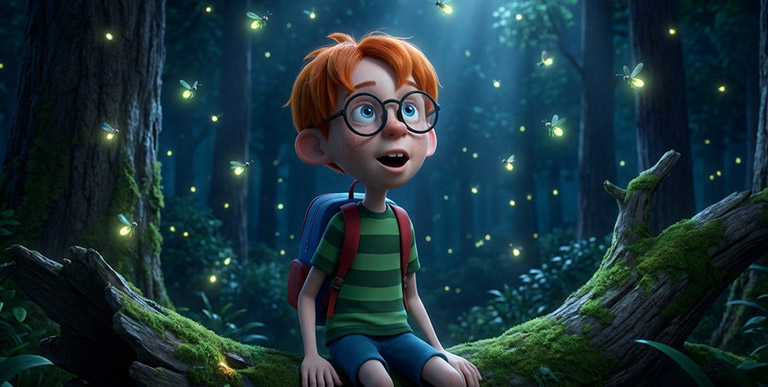
Animate Still Images with Dialogue
Turn static portraits into speaking characters. Generate natural voice and facial expressions from text or audio input.
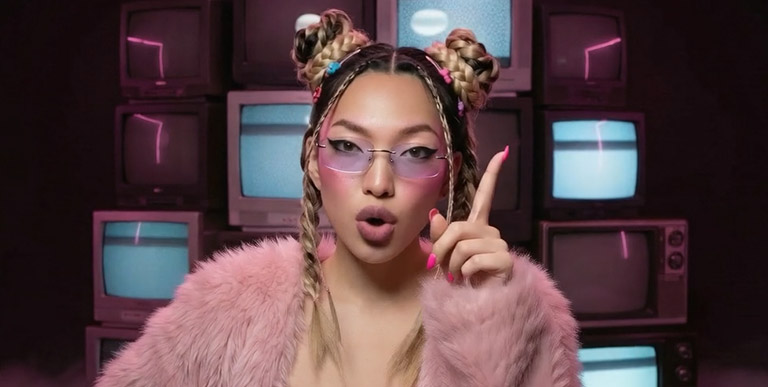
Precise Lip-Syncing
Synchronize voice with video accurately. Use text or audio input to generate highly aligned lip movements for any footage.
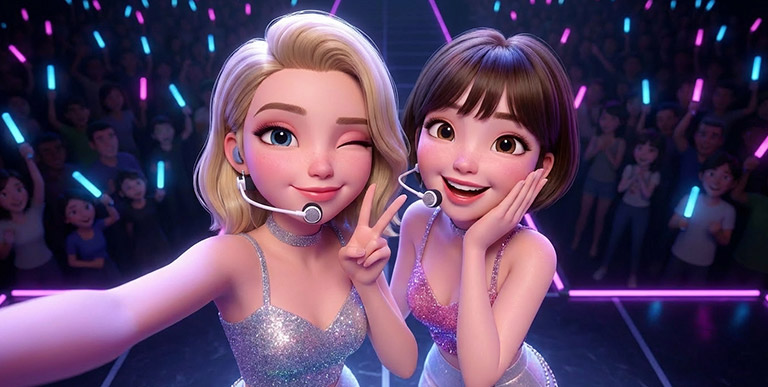
Multi-Character Dialogue
Create natural conversations between multiple characters. Assign independent voices and timing to build realistic interactions.
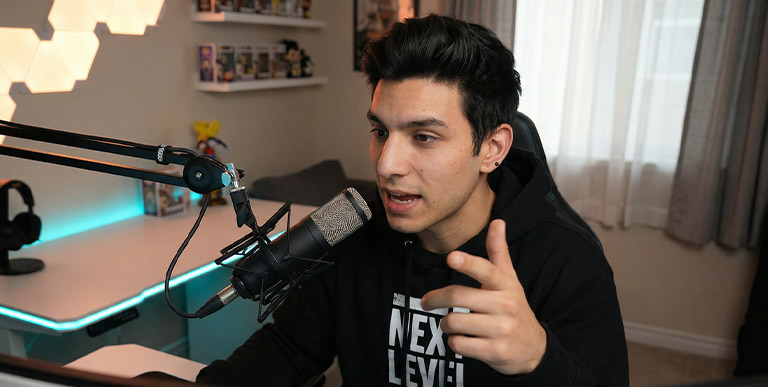
Multilingual Voice Generation
Automatically detect language and generate matching voice output. Support multiple languages to expand your content across global audiences.
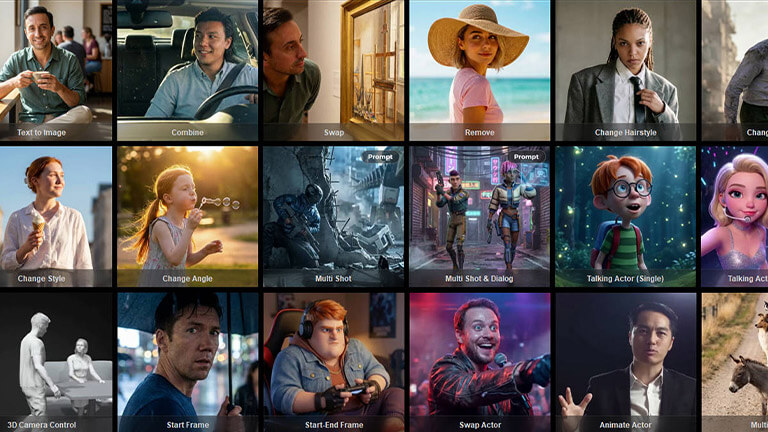
IGNITE CREATIVITY WITH INTELLIGENT AIDS
Enhance your workflow with intelligent tools that simplify and accelerate AI creation. From ready-to-use prompt presets to automatic prompt generation and high-quality upscaling, achieve better results with less effort.
LIGHTING, CAMERA, AND STYLE PRESETS
Guide your image and video output with clarity and precision. Use structured prompt presets to express ideas, camerawork, lighting, and styles. Manual
Select a preview:
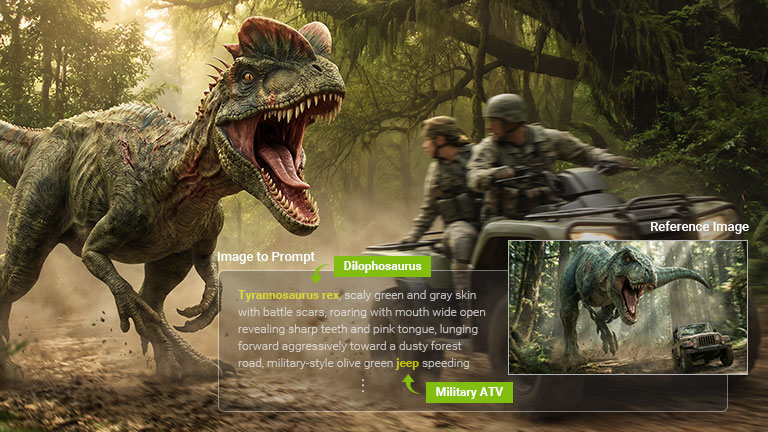
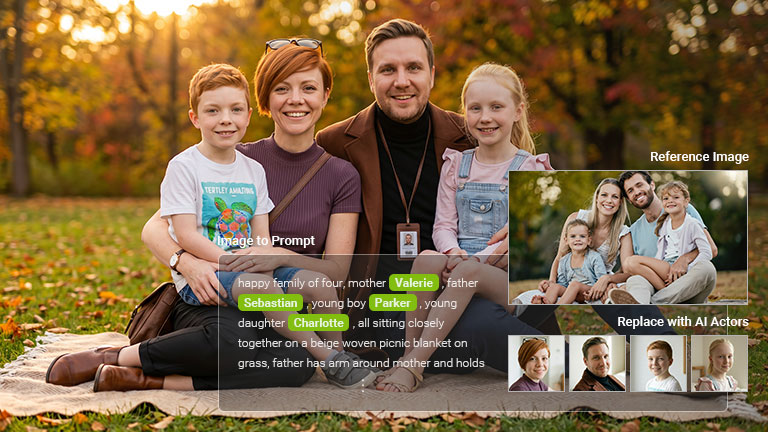
Generate Prompts from Images
Eliminate guesswork by converting visuals into clear, actionable prompts. Replicate styles and ideas with ease, accelerate your workflow, and unlock new inspiration from your source images. Manual
Select a preview:
Magnify Image Resolution with Clarity
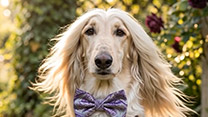
Generating high-resolution AI media often involves higher costs, longer processing times, and multiple iterations. Topaz Upscaler enables you to upscale AI images and videos from 720p or 1080p to crisp 4K quality and beyond—at a fraction of the cost. Manual
Select a preview:


Scroll up to zoom and compare
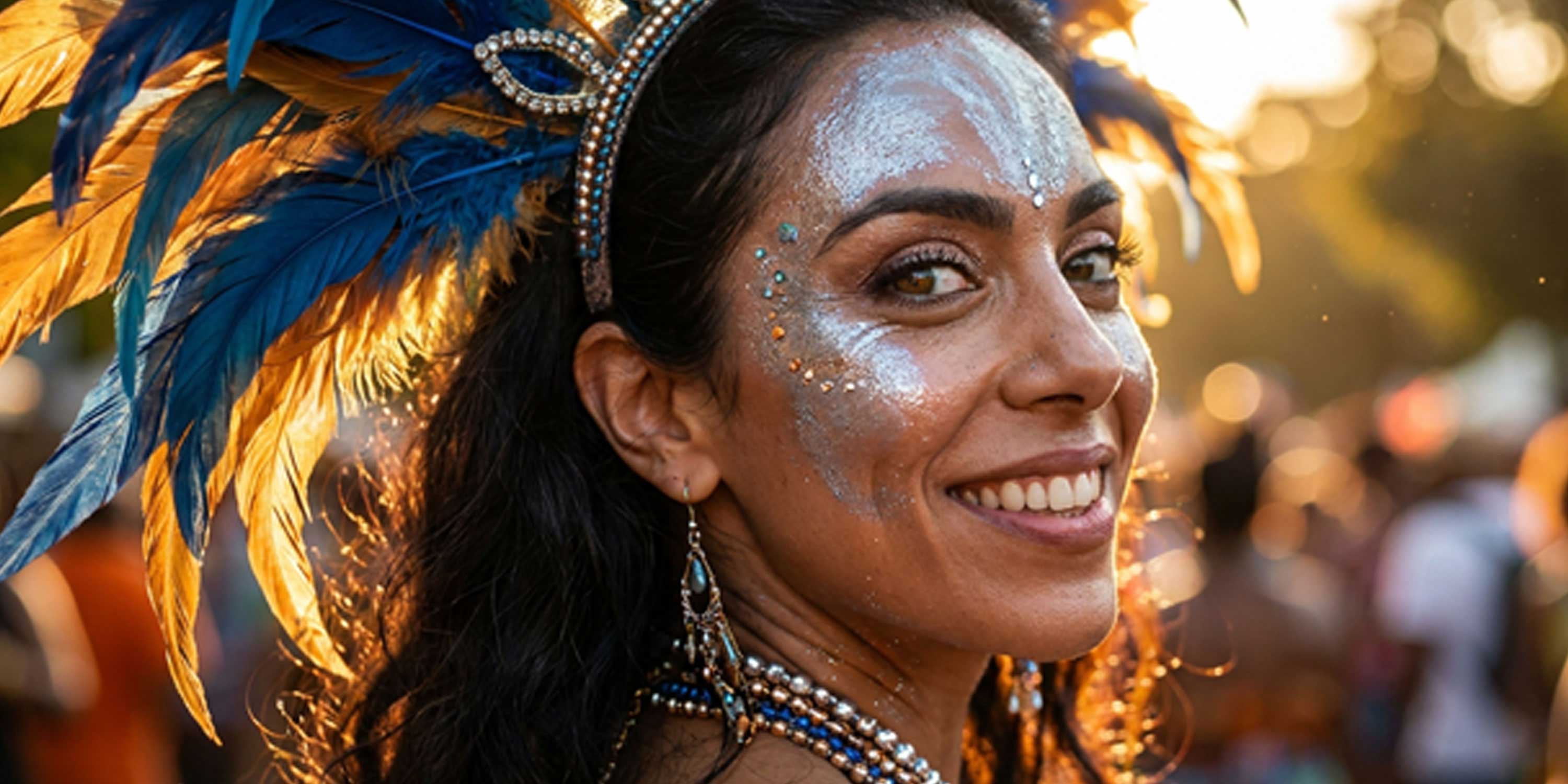
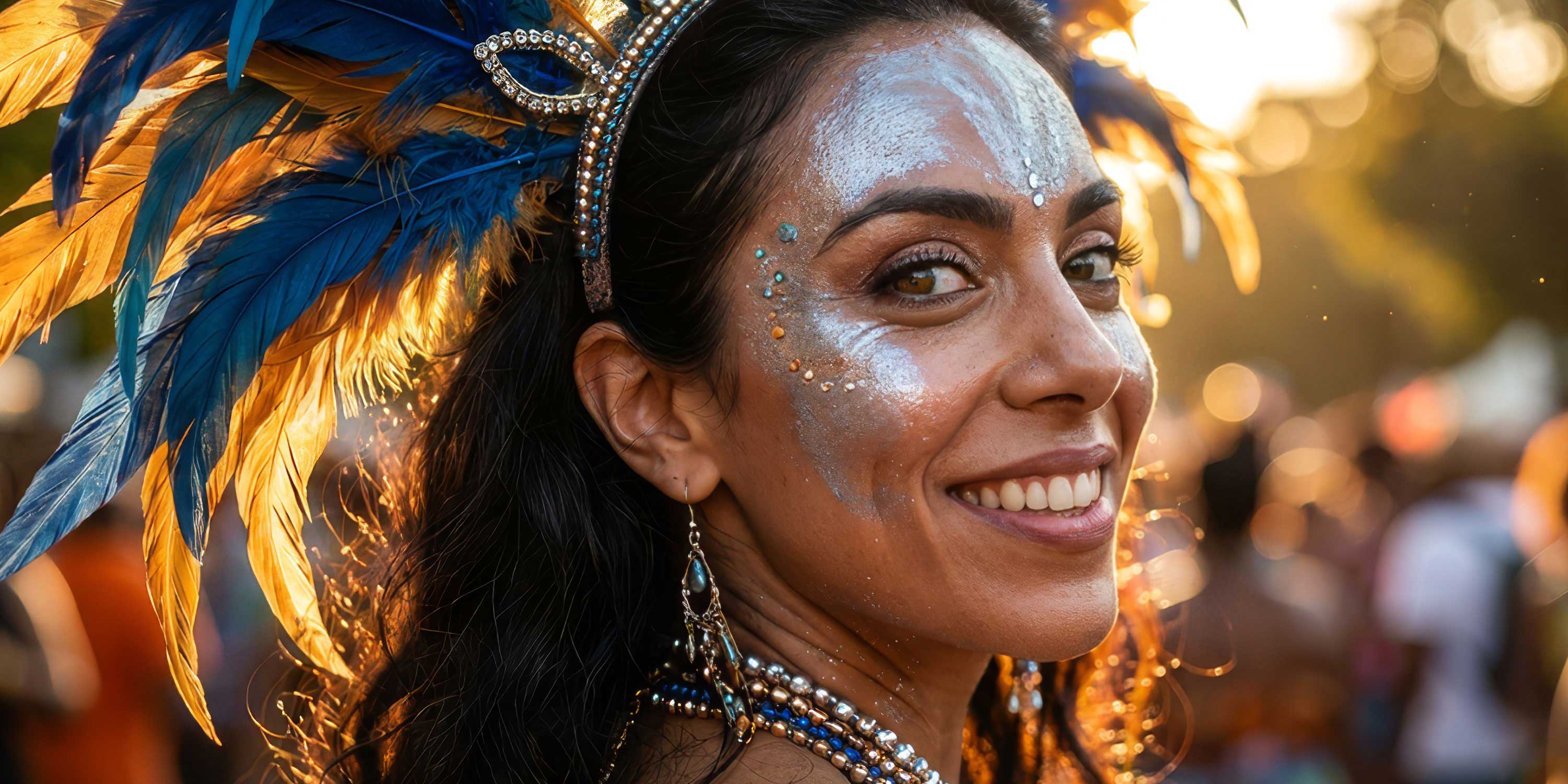
Scroll up to zoom and compare
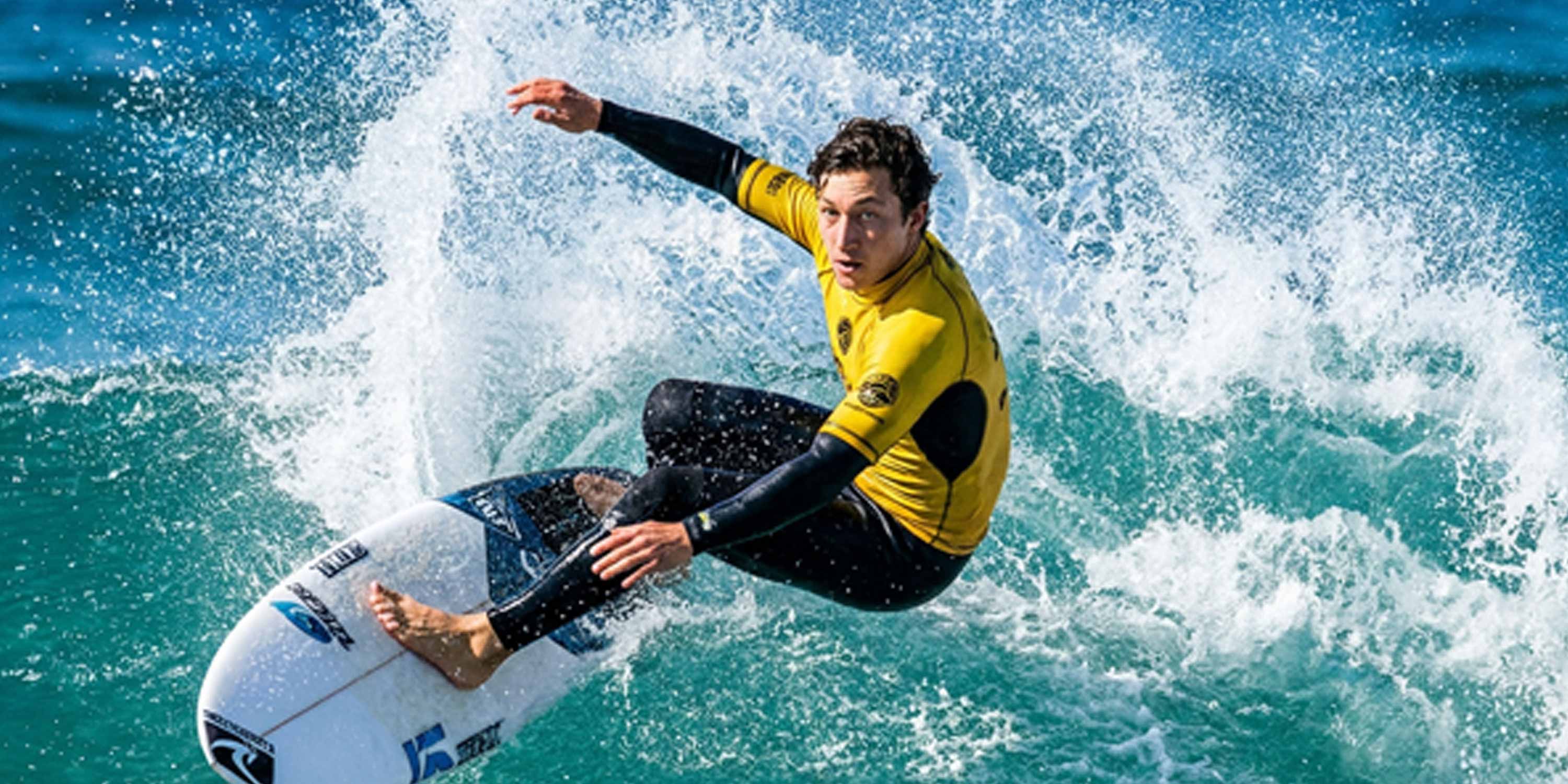
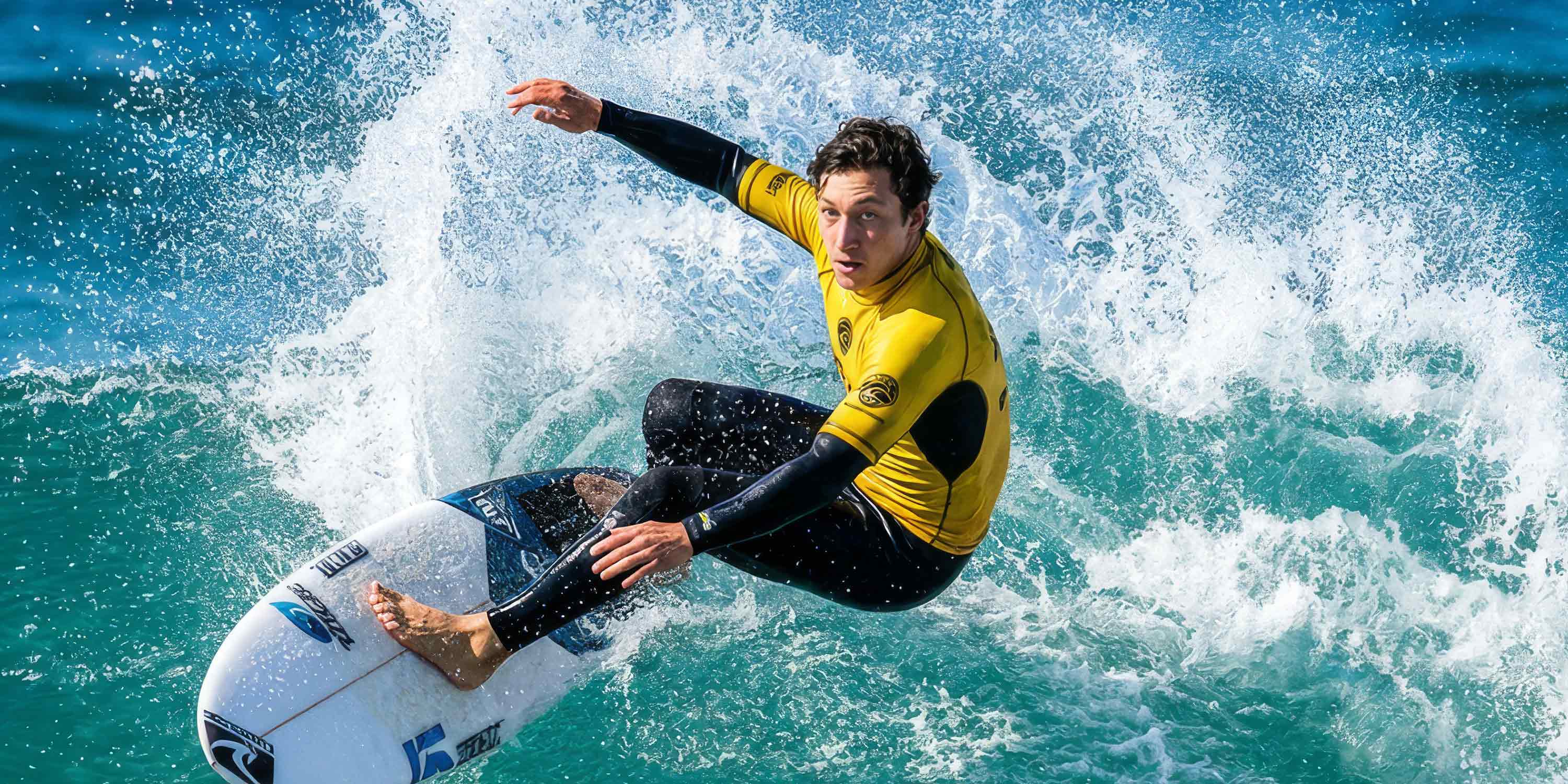
START CREATING WITH AI STUDIO
AI Studio is a standalone desktop app, free to download and ready for AI creation. For more precise 3D control over AI generation, pair it with free IC Personal and Character Creator Trial to experience the complete 3D-to-AI workflow.

